Skip to content

Players Worldwide

Esc
TS VISION Injury Radar Coming soon · End 2026

See the injury before it happens

Injury Radar reads movement from ordinary match and training video and flags the biomechanical markers that come before soft-tissue and joint injuries, each with an alert, a reason and a recommendation.

For medical, performance, load

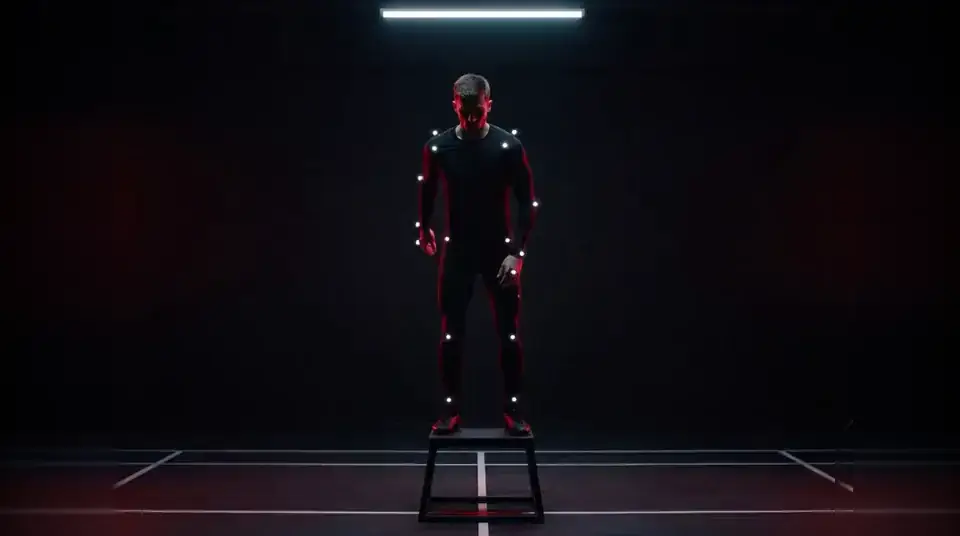
An athlete in a motion-capture suit on a plyometric box in a dark lab with red rim light
Pose read

Real pose output on a generated clip · Illustrative interface · in development

How Injury Radar works

Biomechanical risk markers from ordinary footage, with high-risk alerts, rest and screening recommendations.

  1. 01

    Film as usual

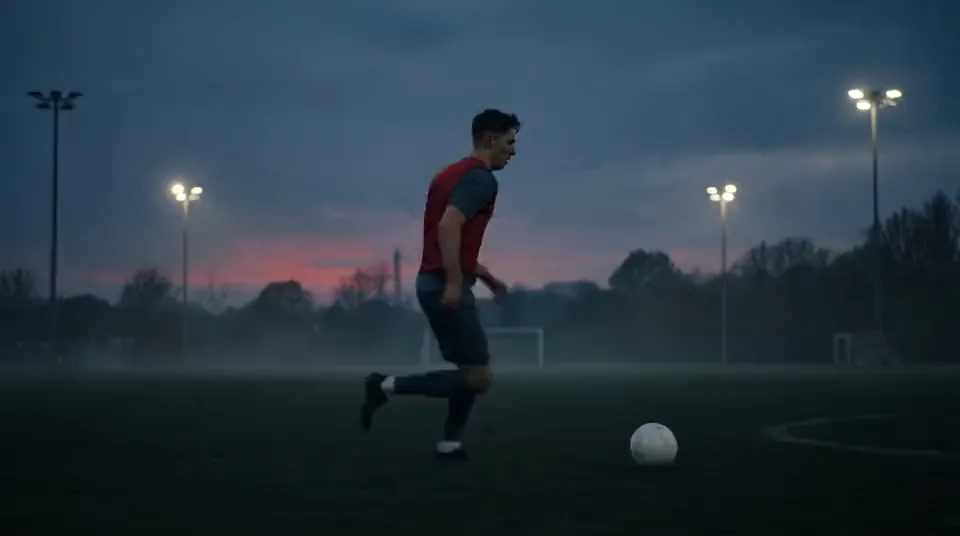
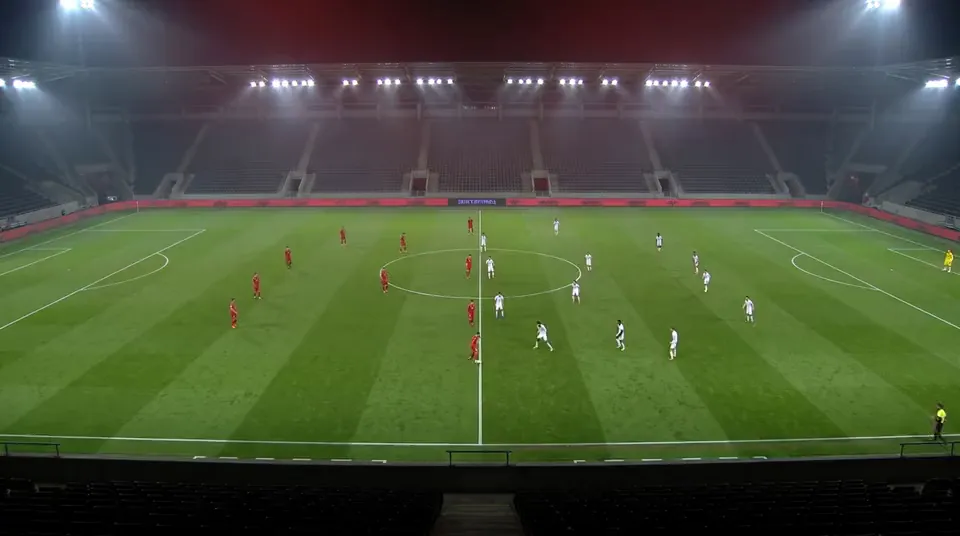
    Match or training video where the player is clearly visible. One camera is enough to start; frontal and side views help.

  2. 02

    Read the movement

    A clinical-grade biomechanics engine from our partner runs inside TS Vision and reads pose on every frame.

  3. 03

    Track the markers

    Risk markers and 14-day trends per player, compared with his own baseline and screening thresholds.

  4. 04

    Alert the medical room

    Alerts with a reason and a next step land in the Medical Hub, next to the medical record, GPS and wellness data.

The body tells before it breaks

Small, measurable changes come first. Most soft-tissue injuries are preceded by subtle shifts in how a player moves: asymmetry creeping in, a knee that collapses on landing, braking that gets harder every week. Injury Radar watches five zones.

  • Hamstring: overstride, late swing-leg retraction, pelvic tilt at top speed
  • Knee · ACL: dynamic valgus and stiff landings on cuts and jumps
  • Groin · adductors: asymmetric change of direction, hip drop under load
Landing screen · right knee
An athlete in a motion-capture suit on a plyometric box in a dark lab with red rim light
Symmetry 91% · OK R knee valgus · High
R knee · valgus on landing: +11.8°, High · Illustrative interface · in development

From one clip to one alert

When a marker crosses its threshold, the alert writes itself. Pose keypoints are read on every frame, the knee is measured in the frontal plane through stance, load, take-off, flight and landing, and every alert links back to the exact frames behind it.

Knee angle · frontal plane
STANCE LOAD TAKE-OFF FLIGHT LANDING Screening threshold +11.8°
High risk · Right knee: single-leg landing screen within 48 h · Illustrative interface · in development · Illustrative data

The whole squad on one risk board

Sorted by what needs attention today. Every player's risk markers, 14-day trend and last screening in one board, with the top marker and the suggested action for each. Open any player straight in the Medical Hub.

  • Risk level and 14-day trend
  • Top marker per player
  • Last screening and days since
Squad risk board
PlayerRisk14 daysTop markerScreenedAction
04Player 04 High Knee valgus 6 d ago Screen
17Player 17 High Overstride 2 d ago Rest
09Player 09 Moderate Hip drop 11 d ago Adjust load
23Player 23 Moderate Landing stiffness 4 d ago Monitor
06Player 06 Low Trunk lean 19 d ago Monitor
11Player 11 Low Asymmetric cut 8 d ago Adjust load
Illustrative interface · in development · Illustrative data

Every alert comes with a next step

Decision support, not diagnosis. Injury Radar flags and explains; your medical staff decide. Each alert carries a concrete recommendation the medical and performance team can act on.

Alert · Player 04
High risk · Right knee

Knee collapses inward on single-leg landings.

Valgus on landing above his own baseline and the screening threshold. Linked to the exact frames behind it.

Open in Medical Hub →
  • Rest

    Reduce exposure for 24–72 h when several markers stack up

  • ScreenSuggested

    Single-leg landing, Nordic strength, adductor squeeze

  • Adjust load

    Sprint and change-of-direction volume in the next microcycle

  • Monitor

    Re-check after the next match

Illustrative interface · in development

Note. Decision support, not diagnosis. Injury Radar flags and explains; your medical staff decide.

Results land in the hubs your staff already use

Injury Radar is the video side of Injury Intelligence in the Medical Hub: alerts sit next to the medical record, GPS and wellness data.

Questions about Injury Radar

Does it replace medical screening?

No. It tells the medical team where to look and when, so screening happens earlier and on the right players.

What footage does it need?

Match or training video where the player is clearly visible. Frontal and side views help; one camera is enough to start.

Is the data shared outside the club?

No. Medical data stays inside the club's Total Sports Hub workspace with role-based access.

Who is the biomechanics partner?

A specialist in movement analysis for elite football. We name partners with their agreement during the pilot conversation.

Coming soon · End 2026

Be first in line

TS Vision opens to clubs and agencies in waves. Join the waitlist and we'll let you know the moment your instrument is ready. Pilot places go to the list first.

Follow announcements: InstagramXYouTubeLinkedIn